Analysis filters
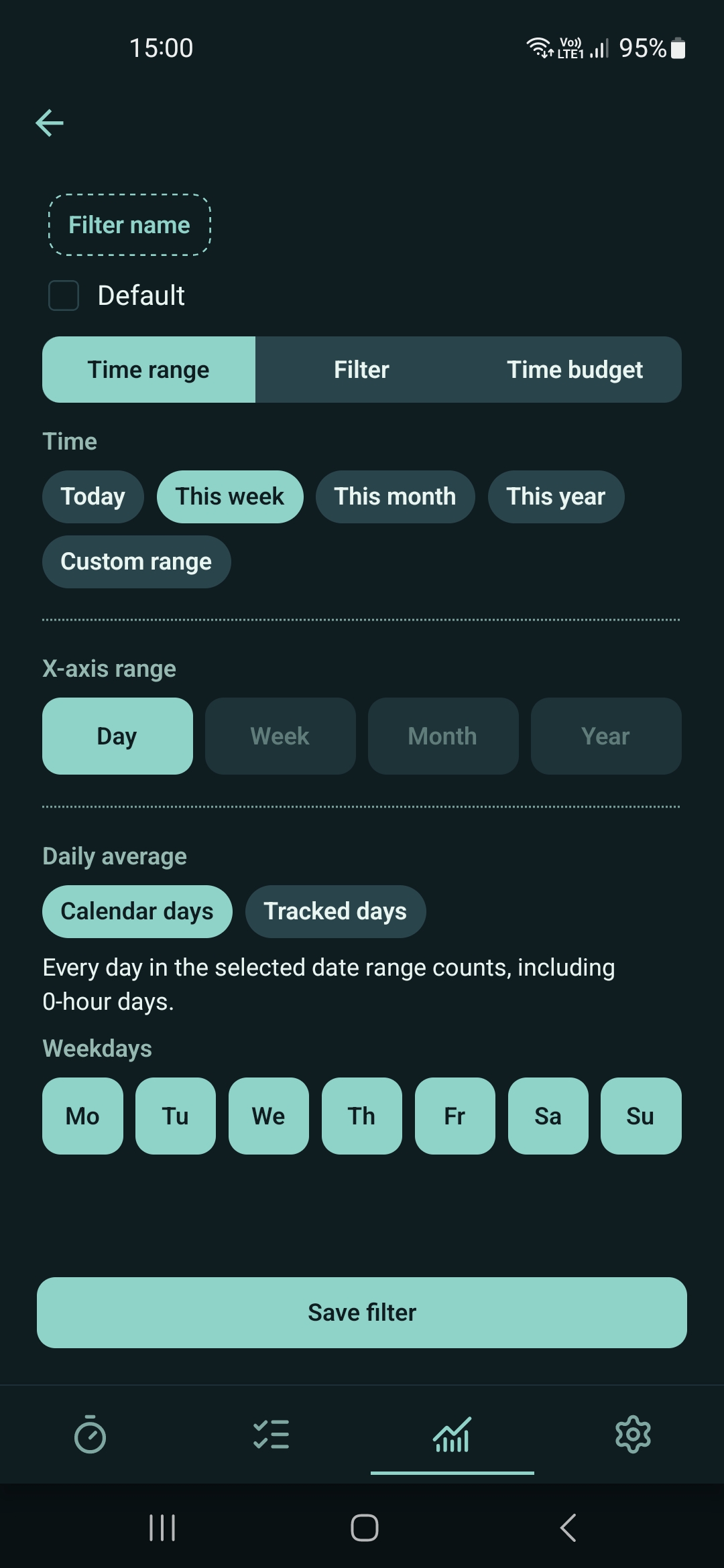
Analysis filters control which tracked time appears in charts, metrics, and reports.
Filters select data for analysis without changing time entries.
1. Filter creation
Section titled “1. Filter creation”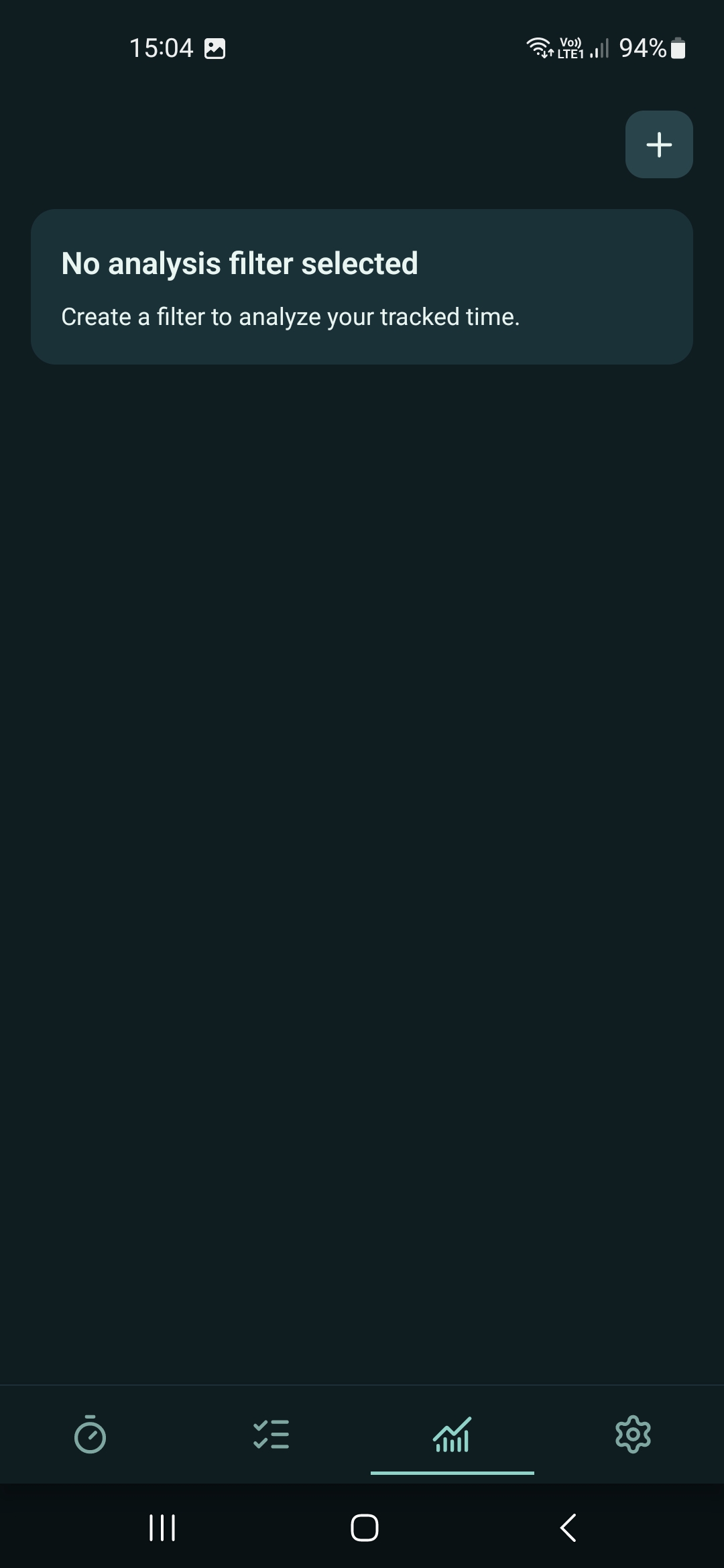
When no analysis filter is selected, the plus button creates a new filter.
2. Filter name
Section titled “2. Filter name”- Filter name: A name is required before saving a new filter.
- Default: This option loads the filter when Analysis opens.
- Editor tabs: The tabs contain time range, data selection, and time budget settings.
3. Time range
Section titled “3. Time range”- Time: Available periods include today, this week, this month, this year, and a custom date range.
- X-axis range: Chart values can be grouped by day, week, month, or year.
Some X-axis options are unavailable for short time ranges. For a custom range, ZackZack selects a suitable grouping based on the range length.
Daily average and weekdays
Section titled “Daily average and weekdays”- Calendar days: Includes every selected day, including days with no tracked time.
- Tracked days: Includes only days with tracked time.
- Weekdays: This setting selects weekdays for the calendar-days calculation.
4. Data selection
Section titled “4. Data selection”The Filter tab contains list, activity, and tag selections for the analysis.
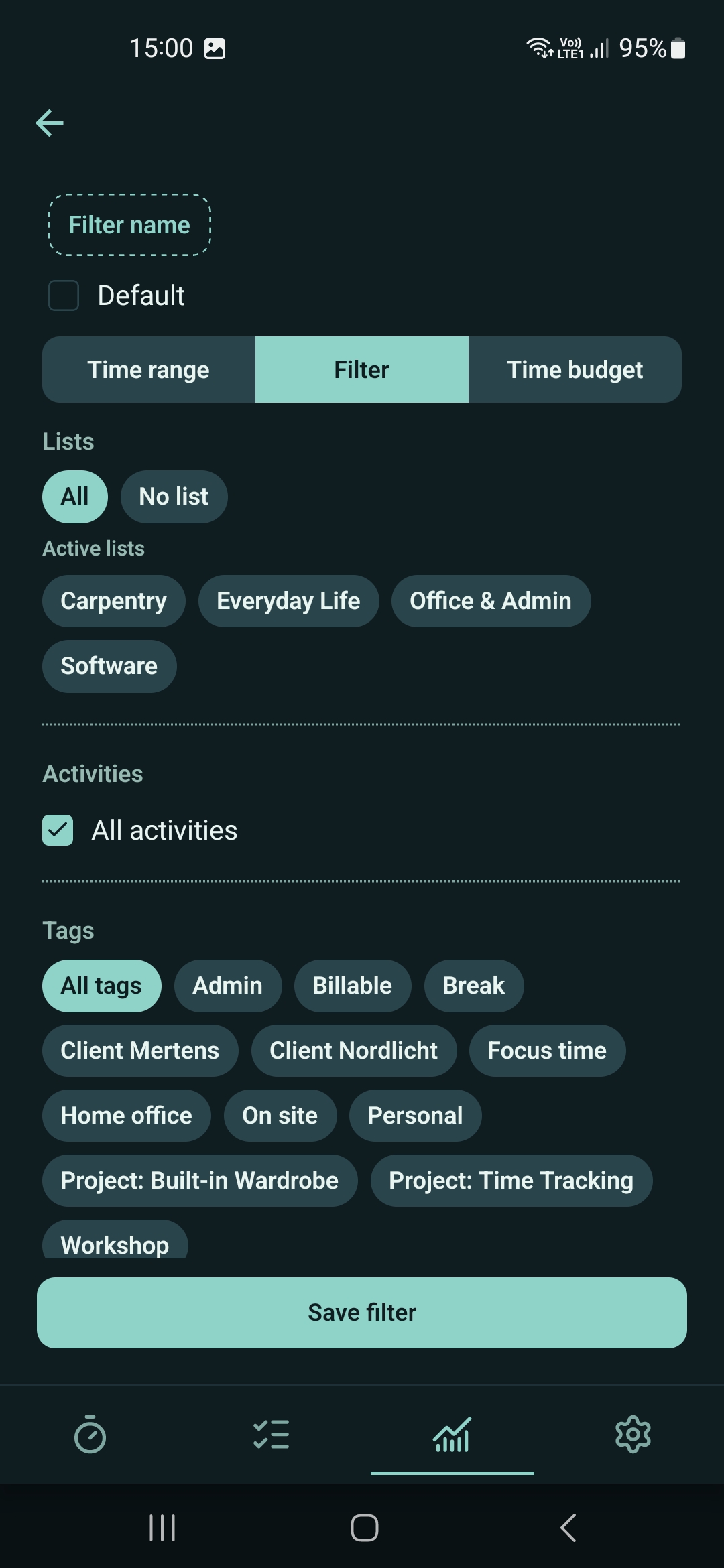
- All: Includes activities from every list and activities without a list.
- No list: Includes activities that do not belong to a list.
- List names: Includes activities from the selected lists.
Activities
Section titled “Activities”All activities includes every activity that matches the list selection. Disabling this option enables search and selection of individual activities.
Changes to the selected lists clear activity selections outside those lists.
All tags does not limit results by tag. Selecting one or more tags includes matching time entries.
Tags filter time entries without changing the activities available for selection.
5. Time budget
Section titled “5. Time budget”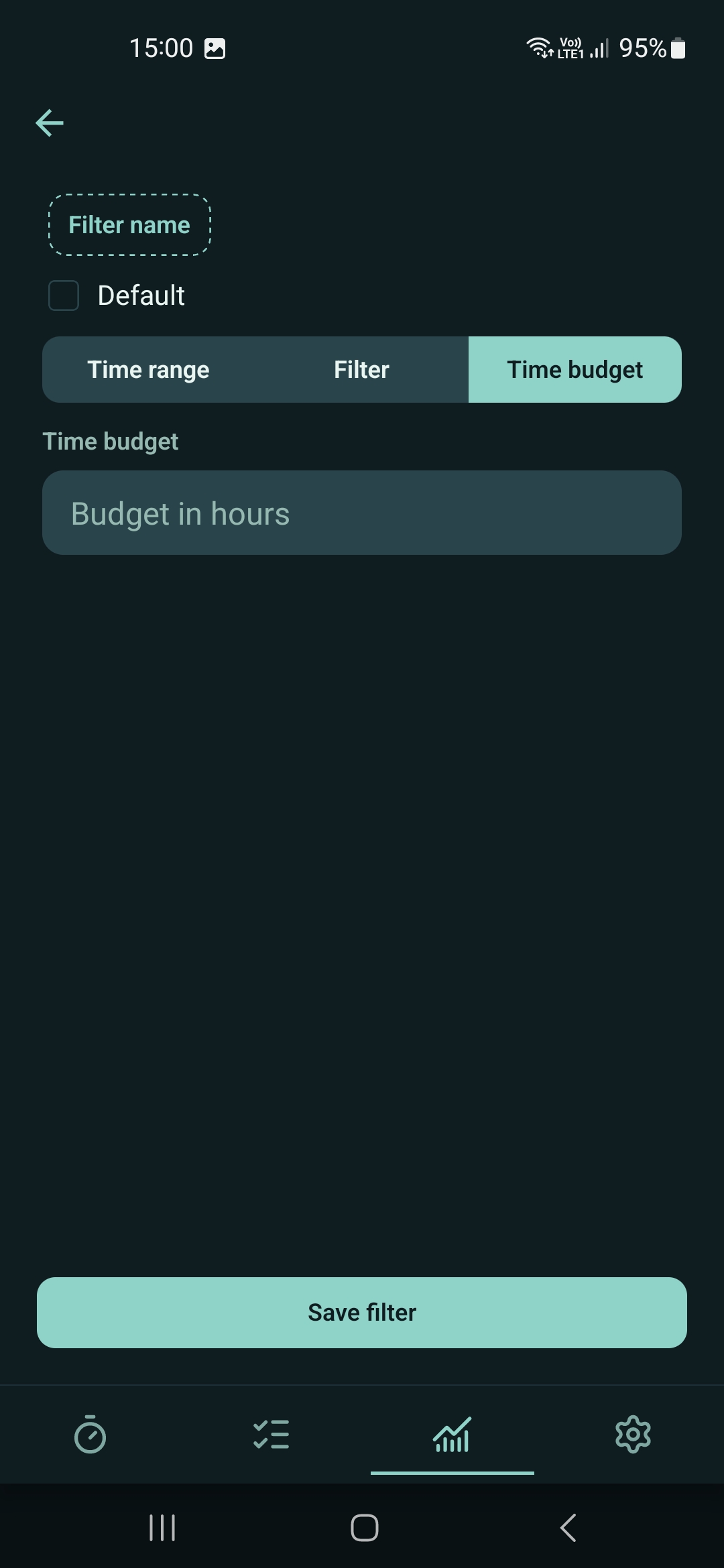
The total time budget applies to the selected range and uses hours. ZackZack displays the budget as a reference line in the date chart.
6. Filter saving
Section titled “6. Filter saving”Save filter saves and activates the new filter with the configured settings.
Common questions
Section titled “Common questions”Why is an X-axis option unavailable?
Section titled “Why is an X-axis option unavailable?”The selected time range controls which chart groupings are available.
Why is tracked time missing?
Section titled “Why is tracked time missing?”Missing time can result from the active filter’s time range, weekdays, lists, activities, or tags.
Do filters change time entries?
Section titled “Do filters change time entries?”No. Filters only change the data that ZackZack uses for analysis and reports.